AI Image Generator — Text to Image
Describe what you want. Get a finished image, ready to keep editing.
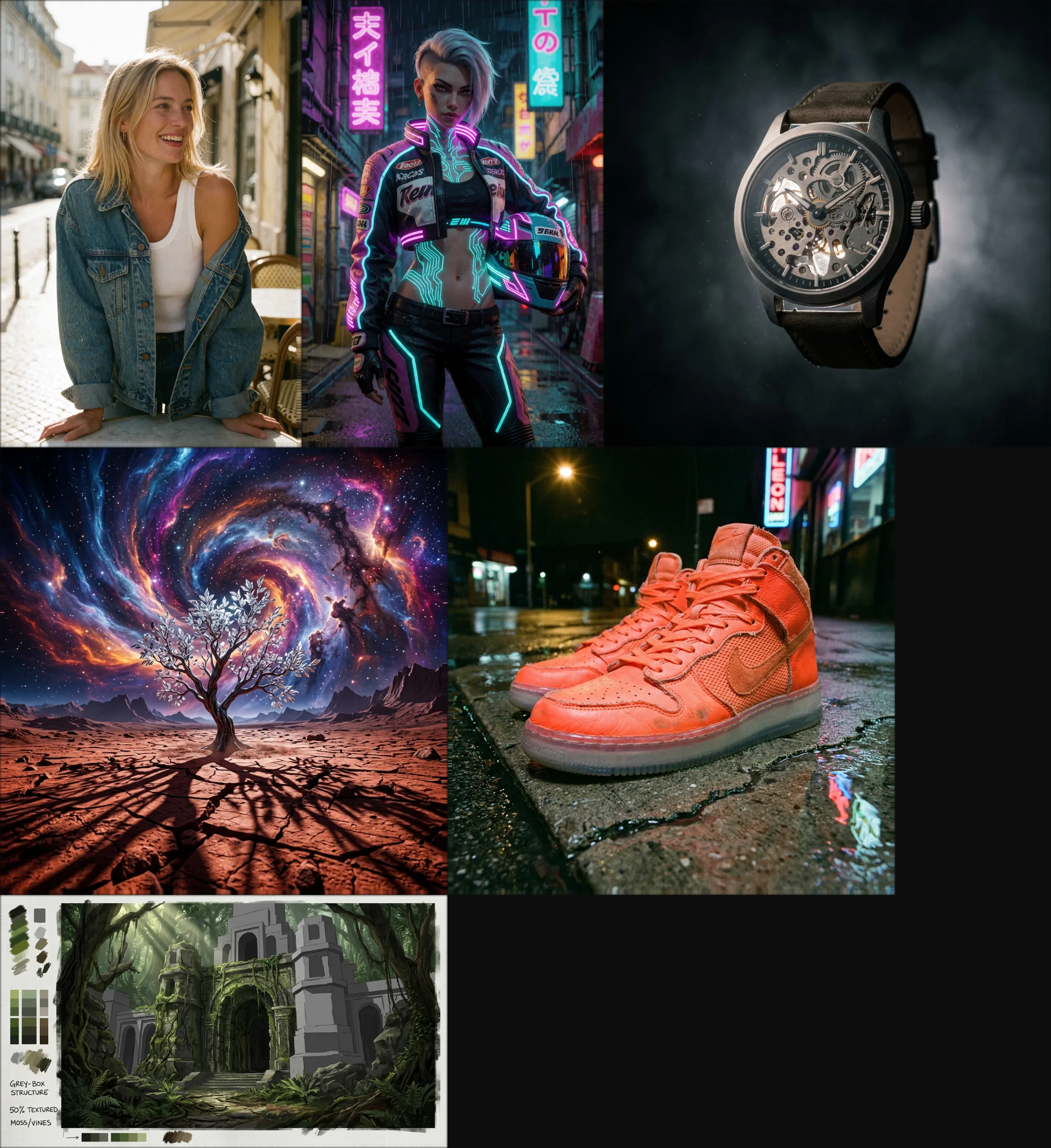
Candid film photo of a laughing blonde woman in a denim jacket at a Lisbon café
Generate creates an image from a text prompt alone, optionally guided by reference images. Pick the model that fits the job — a fast model for exploring ideas, a premium one when the result needs to be final.
Start here when you have nothing to upload yet: a concept to explore, a background you need from scratch, an illustration for a project, or a starting point you'll refine further with the other tools in the canvas.
The price depends on the model and size you pick; the editor shows it before you generate.
Models
- Flux Klein 9B
- Flux 2 ProPaid plan
- Z Image Turbo
- Seedream 5 Lite
- Seedream 5 ProPaid plan
- Qwen Image 2512
- Qwen Image 2
- Qwen Image 3
- Reimagine
- GPT Image 2
- GPT Image 2.5
- Pruna Image
- Krea V2
- Nano Banana 2Paid plan
How it's billed
Varies by model — flat per image, per output megapixel, per reference-image megapixel, or a quality/resolution tier.
Frequently asked questions
It depends on what you need: faster models are well suited to exploring ideas cheaply, while higher-fidelity models are worth it once you know what you want and need a finished result.
Yes. Set width and height directly, or pick a fixed aspect-ratio preset on the models that use one.
Attach up to a per-model limit of reference images to steer style, subject or composition — they sit alongside your prompt as one flat list, not separate roles.
No. Generate works anonymously with a starting balance of free credits, no account required.
It lands on your canvas as a new layer, ready to keep editing with any other tool — upscale it, extend it, mask part of it, or export it as-is.
Explore the other tools
Every tool lives in the same canvas — stack them on one image without leaving the page.

Ready to try Generate?
Free to start. Plans from $10/mo.